Choose a useful interval
A cue for a stretch, a drink of water or a study break. Pick a repeat interval that fits what you are doing.
Repeat timer & recurring reminders
Stay aware of time without restarting a timer after every cue. Choose an interval, a sound and your active hours. Beeper handles the repeat.
iPhone · iPad · iOS 26.2+
Preview · Time sped up
Set it once.
Reminder → Automatic restart → Next reminder.
How it works
A cue for a stretch, a drink of water or a study break. Pick a repeat interval that fits what you are doing.
Set active hours so your reminders fit your day. Temporarily pause or silence cues when you need to.
The timer repeats automatically. Keep the large countdown visible, or allow notifications for background reminders.
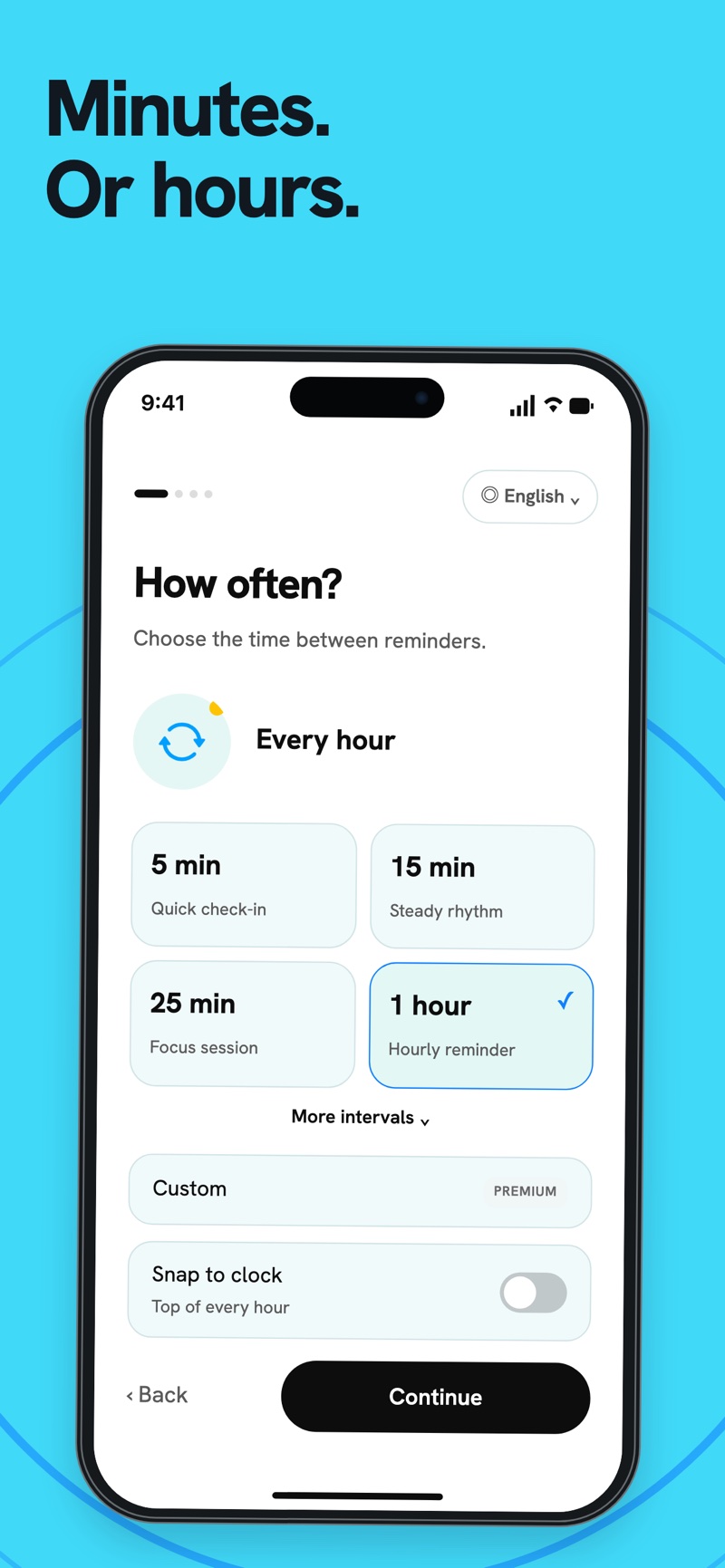
Use the included intervals, or unlock custom intervals with Premium. Let the cue come to you instead of checking the clock.
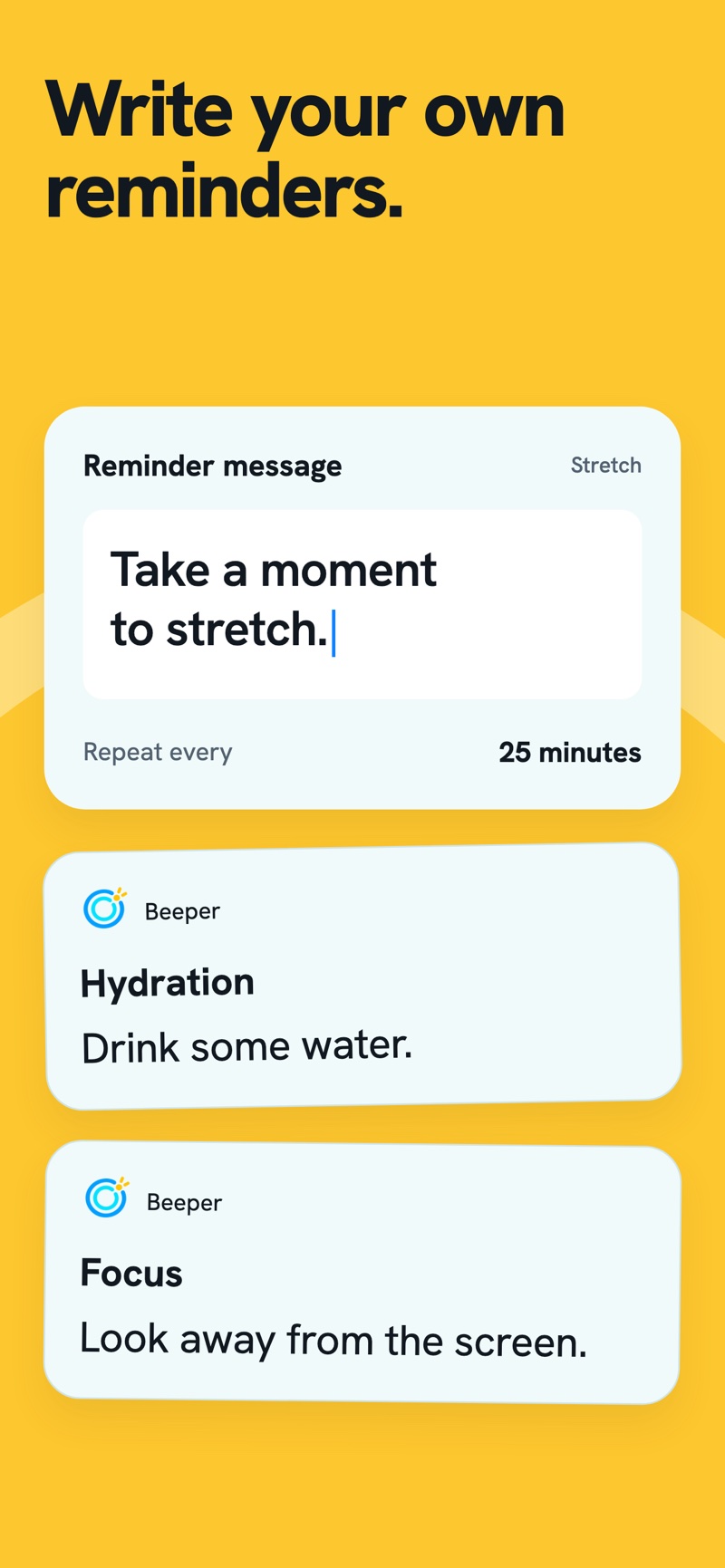
“Take a moment to stretch.” “Look away from the screen.” Add a message to reminders with intervals of five minutes or more.
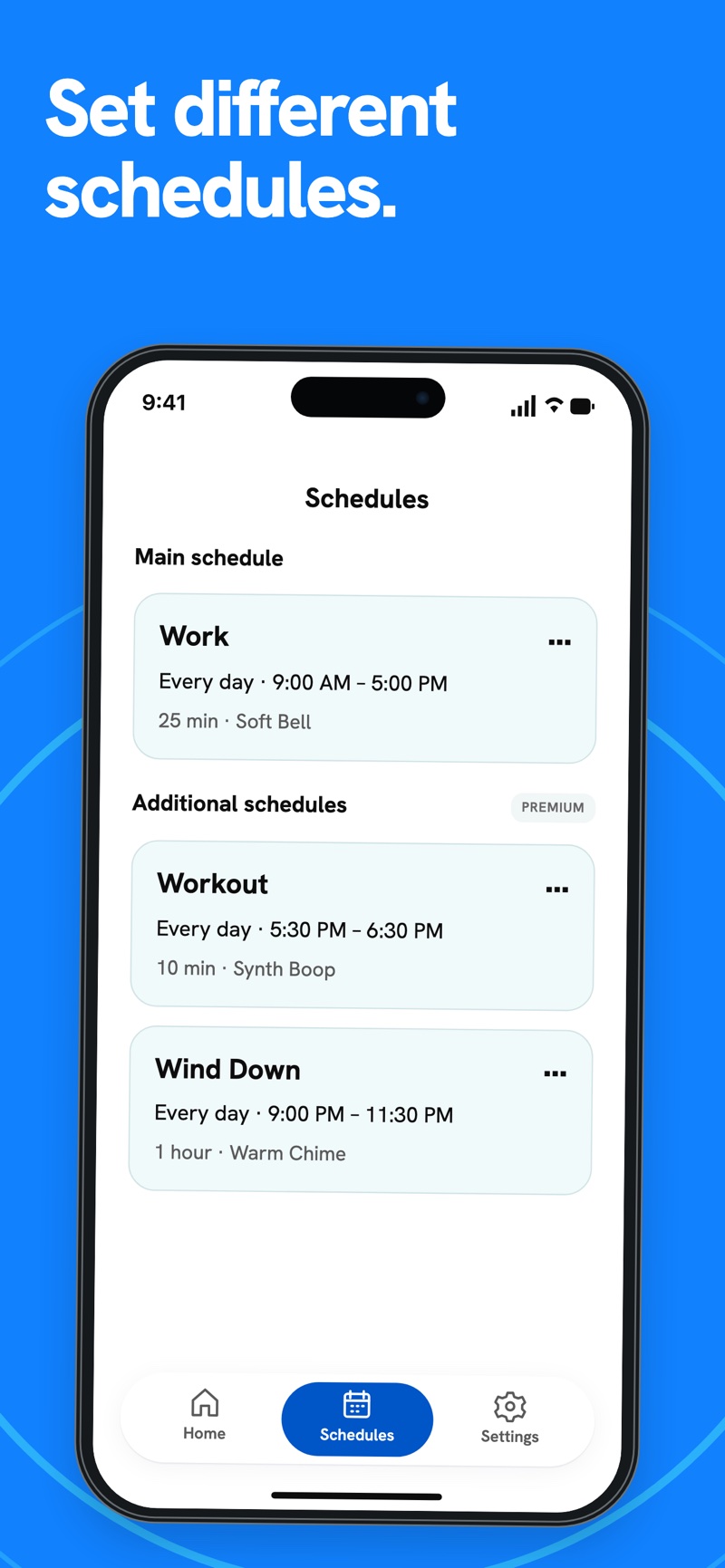
Premium adds multiple named schedules, each with its own interval, sound and settings. Give work, training and evenings their own setup.
Repeat timer & recurring reminders
Stay aware of time without restarting a timer after every cue. Choose an interval, a sound and your active hours. Beeper handles the repeat.
Create a schedule, choose an included sound and use the full-screen countdown. New installations include up to ten reminders a day; eligible existing installations keep their previous allowance.
Premium adds multiple schedules, custom intervals, 20 extra sounds, sound rotation, Quick Setups and screen dimming. See your reminder interval on the Lock Screen and Dynamic Island where supported. One-time purchase. No subscription.
Download on the App StoreWith notifications allowed, Beeper can send recurring cues in the background. Delivery is managed by iOS. Optional “Play in silent mode” needs separate alarm permission; alarms require dismissal and unattended delivery is subject to system limits.
No. Premium is a one-time purchase. The App Store shows the price for your region before you buy.
Yes. Custom reminder messages are available with intervals of at least five minutes. A message explains what the next cue is for.
For iPhone and iPad. Requires iOS or iPadOS 26.2 or later. Notifications require permission and follow your iOS sound and Focus settings.