Notice the pattern
View private daily and weekly Screen Time reports. Start with what your phone use actually looks like.
Screen time, with a choice
Opened an app without thinking? PhoneAware helps you see where your time goes and set a daily boundary. Start with free reports and app limits. Add scheduled pauses with Premium.
iPhone · iPad · iOS 26.4+
5-second pause preview
Nothing opens. This is a preview on this page.
Premium adds scheduled Mindful Pauses through a personal Apple Shortcuts automation. Your selected app opens first, then PhoneAware brings up the pause.
How it works
View private daily and weekly Screen Time reports. Start with what your phone use actually looks like.
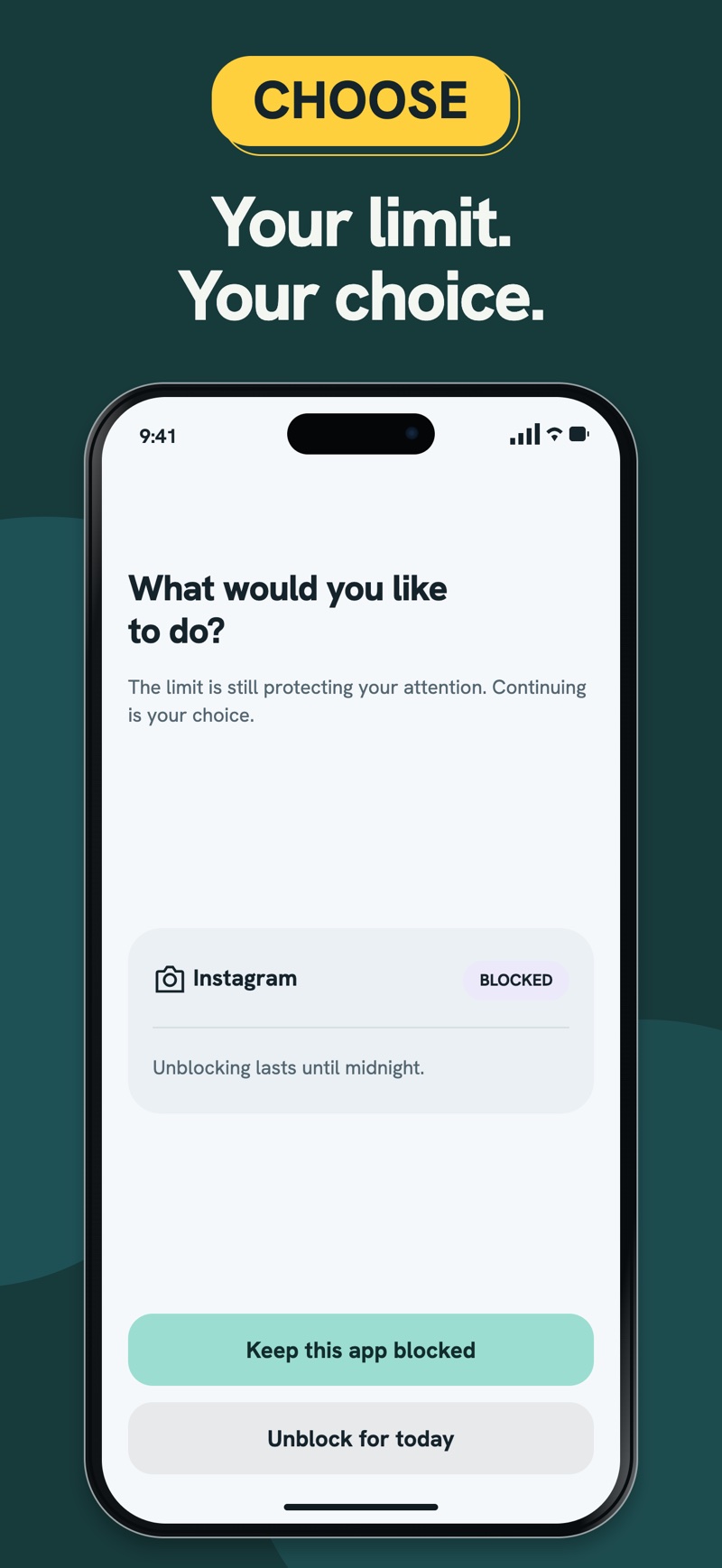
Set a time limit for an individual app. When you reach it, keep the app blocked or choose to unblock it until midnight.
Premium adds scheduled Mindful Pauses through a personal Apple Shortcuts automation. Your selected app opens first, then PhoneAware brings up the pause.
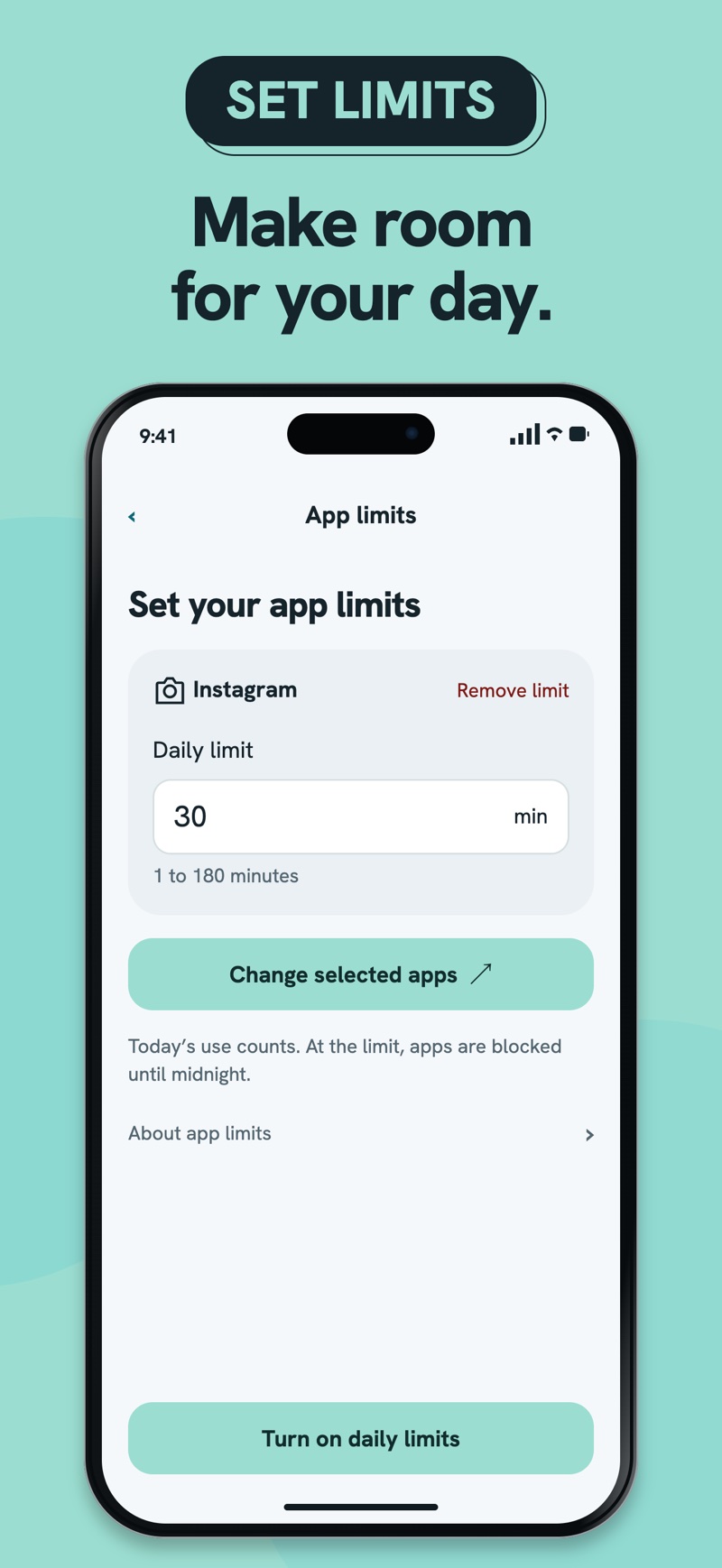
Set free daily limits for up to eight individual apps. A reached limit gives you a clear boundary, with the option to unblock until midnight.
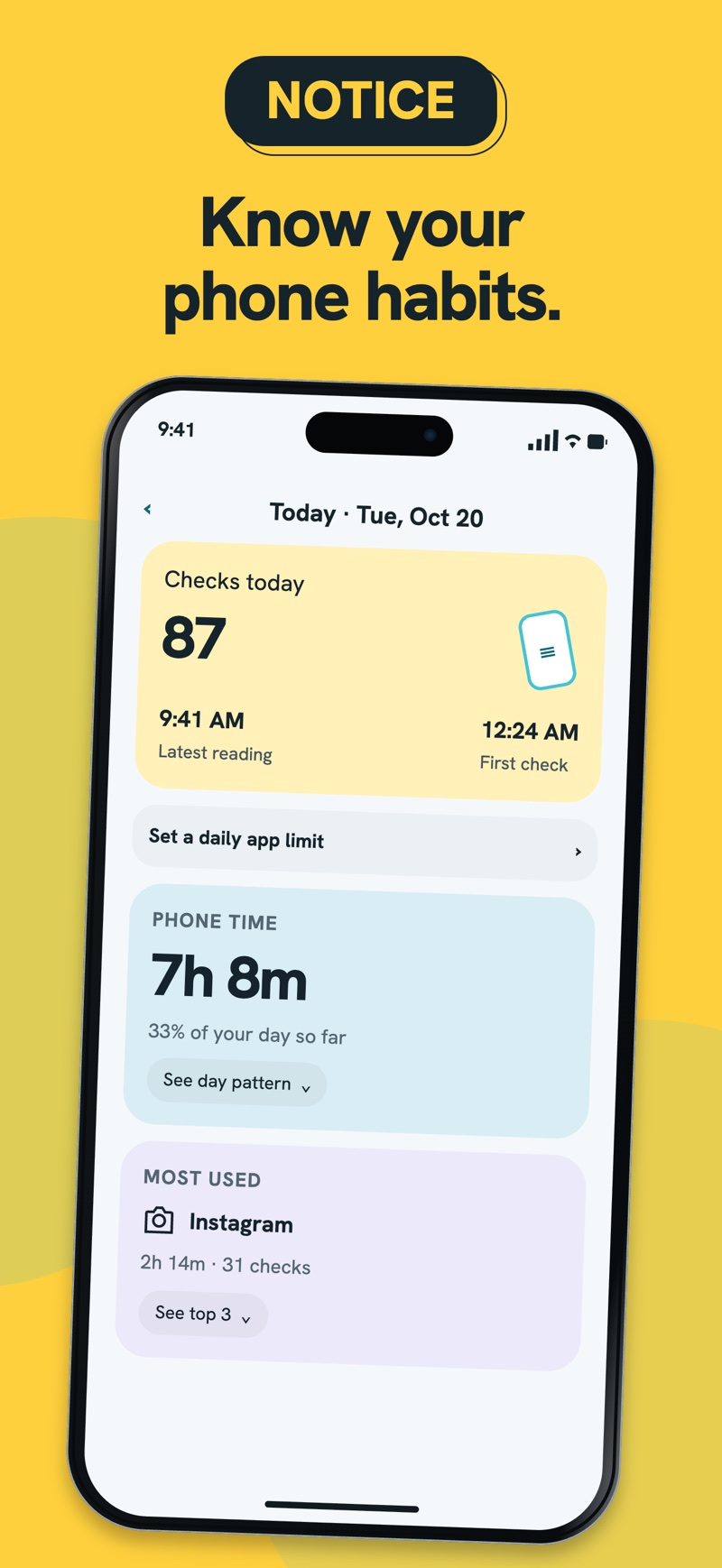
Look through your daily and weekly Screen Time reports. Your usage data stays on your device, and no app account is required.
With Premium and Shortcuts setup, choose the apps, days, times and duration for your pauses. Take a breath, then choose Not now or Continue.
Daily and weekly Screen Time reports, plus daily limits for up to eight individual apps. Screen Time permission is required. You can keep a reached-limit block or unblock until midnight.
Premium is a one-time purchase with no subscription. Schedule Mindful Pauses for your chosen apps, days and times, and customize their duration. A personal automation in Apple Shortcuts is required: the selected app opens first, then the automation brings PhoneAware forward.
Download on the App StoreDaily and weekly Screen Time reports and daily limits for up to eight individual apps are free, with Screen Time permission. Premium is optional and adds scheduled Mindful Pauses.
The selected app opens first. A personal automation you set up in Apple Shortcuts then brings PhoneAware forward for the pause. You can choose Not now or Continue.
They require enhanced Screen Time access. Your device must be in the EU, and your Apple Account country or region must also be in the EU. Buying Premium does not grant this access.
Requires iOS or iPadOS 26.4 or later. Usage widgets, Live Activities and saved usage comparisons require enhanced Screen Time access: both your device location and Apple Account country or region must be in the EU. Premium does not unlock this access.